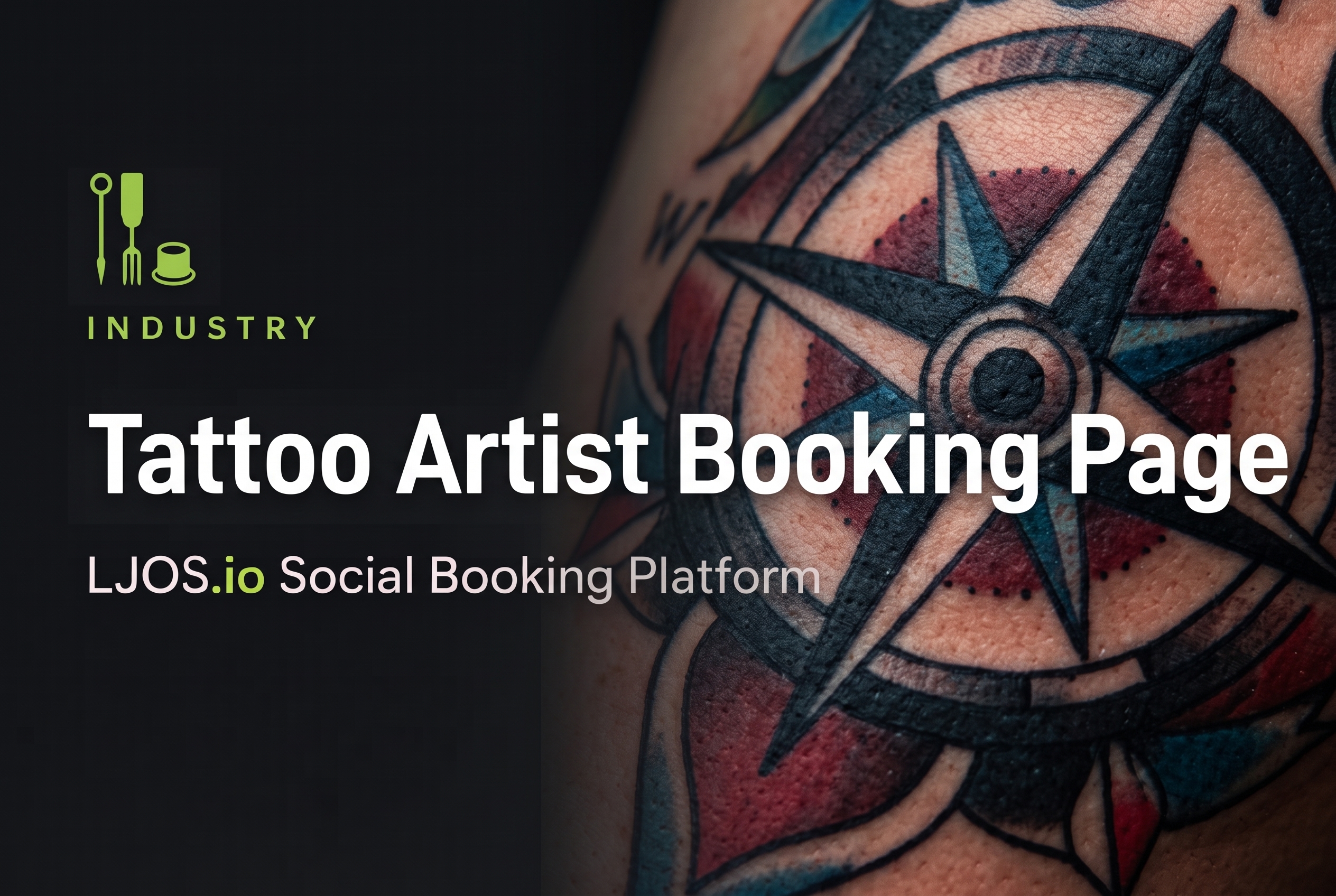
Your booking page shouldn't just tell people when you're available—it should make them want to book you. LJOS.io combines your portfolio, bookings, reviews and social feed into one public business page where every tattoo has another chance to get discovered, shared and booked.
Why tattoo artist booking page pros choose LawnJobOS
- Showcase Your Style — Let clients see your portfolio before they ever ask if you're available.
- Turn Every Tattoo Into a Booking — Share your latest work with direct links back to your booking page.
- Build Client Confidence — Display reviews, artist information and services in one professional place.
- Accept Deposits Online — Reduce back-and-forth messages by letting clients secure appointments online.
- Stay Top of Mind — Keep clients engaged with new tattoos, flash releases and studio updates.
- Grow Through Word of Mouth — Make it easy for happy clients to share your booking page with friends.
Platform features
- Public Tattoo Artist Profile — Create a professional page that reflects your style and personality.
- Online Tattoo Bookings — Accept consultations, appointments and deposits from one simple page.
- Portfolio Gallery — Showcase custom work, healed tattoos, flash pieces and featured projects.
- Social Feed — Post your latest tattoos and share them across Instagram, Facebook and other social platforms.
- Customer Reviews — Collect Google Reviews and showcase client feedback alongside your work.
- Secure Payments — Accept deposits and appointment payments through your booking page.
Tattoo Artist Booking Page operator questions
- Why do I need a dedicated tattoo artist booking page?
- Because clients book artists—not calendars. A great booking page lets people see your work, learn about your style and book with confidence.
- Can I showcase my tattoo portfolio?
- Yes. Display your latest work, healed tattoos, flash designs and artist specialties alongside your booking page.
- Can clients pay deposits online?
- Absolutely. Clients can book appointments, request consultations and pay deposits through your LJOS.io page.
- Can I share my booking page on Instagram?
- Yes. Share your LJOS.io booking page across Instagram, Facebook and other social platforms so every post has a direct path back to booking.
- Does LJOS.io help me collect reviews?
- Yes. Invite clients to leave Google Reviews after their appointment to help build your reputation and attract new customers.
- How is LJOS.io different from a normal booking page?
- Most booking pages stop once an appointment is made. LJOS.io keeps working by combining your portfolio, social feed, reviews, services and customer engagement into one connected business page that helps you get discovered, shared and booked.